video recording
Record professional videos with camera, screen, app or RTMP sources
Record training videos, demos, event recordings and screen captures with ease. With a simple workflow and flexible recording options, you can go from capture to polished video without needing a full production team.
Feature highlights
Browser, ap or recording
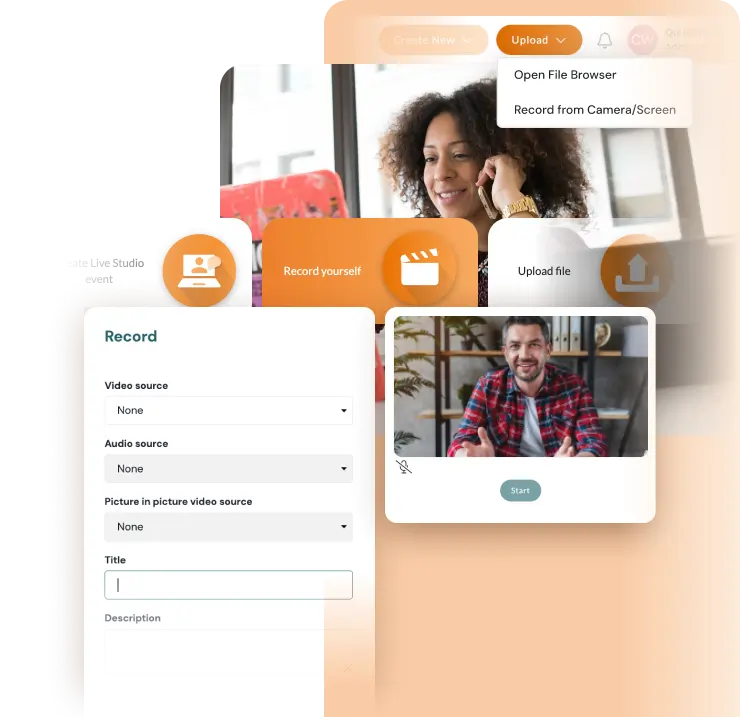
Record video your way: directly in the browser, in the mobile app, or from your studio with RTMP sources.
Security & compliance
Keep your content secure with password protection, IP locks, SSO controlled access and data stored within the EU.
Seamless editing
Record and edit on the same platform. Trim clips, add overlays, text and make quick updates with ease.
Scalable for the entire team
Support everyone from individual creators to larger teams with a setup that scales across the organisation.
Flexible recording
Recording content should be simple, no matter where you work or what device you use. When the process depends on extra tools or a complicated setup, it becomes harder to create and share video consistently.
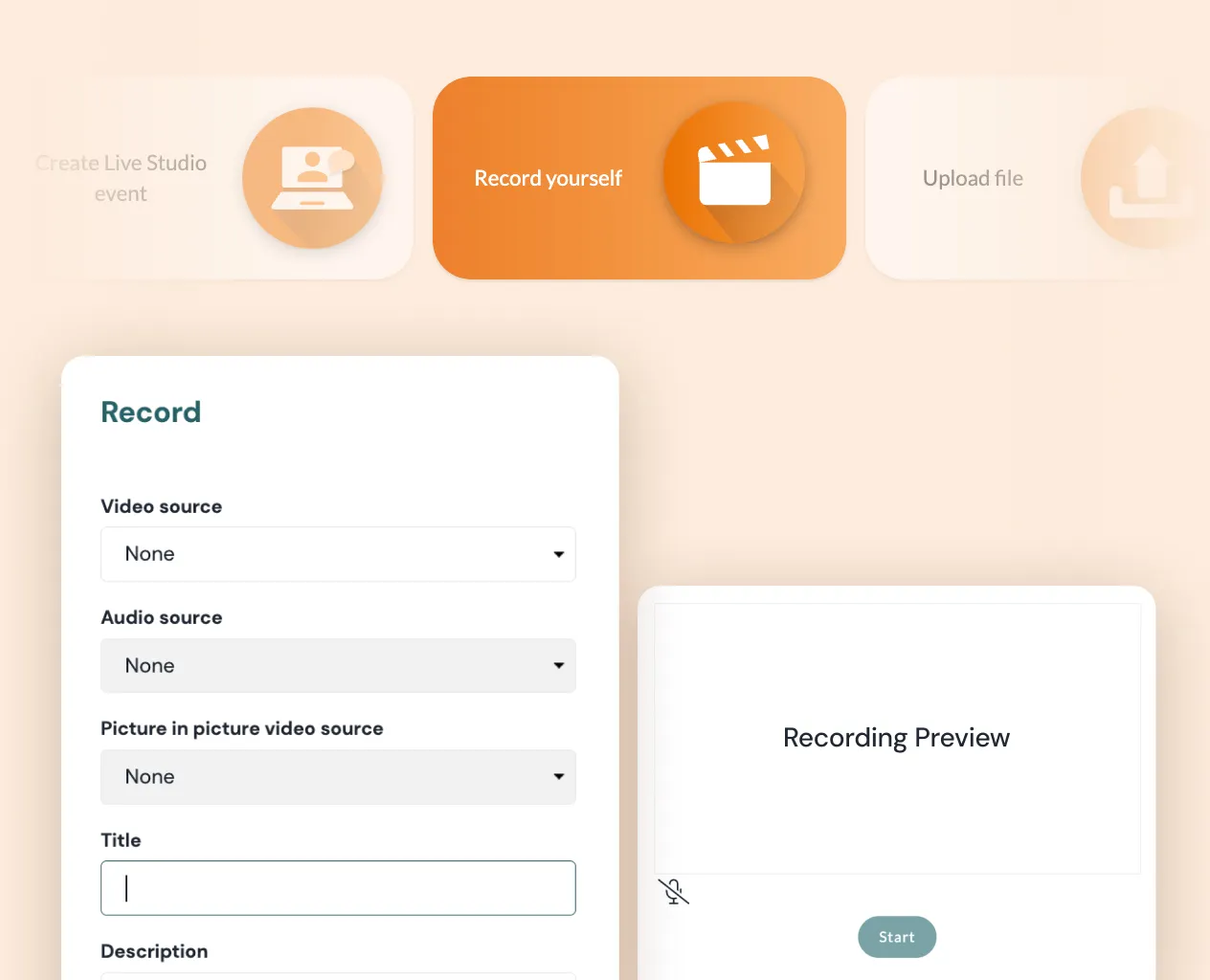
With Quickchannel, you can record from your browser, mobile app or RTMP source with ease. Capture your screen, webcam or both at the same time and save everything directly to your account. It gives you a flexible and reliable way to create video faster, without adding unnecessary steps.
Flexible picture-in-picture
A standard recording layout does not always fit the message you want to share. Sometimes you need to show both a presenter and a presentation at the same time to create a clearer and more engaging viewing experience.
With flexible picture-in-picture, you can customise your recording layout with resizable overlays. It is a simple way to add a more personal and accessible touch, whether you want to include a speaker on screen or make space for a sign language interpreter.
Live metadata input
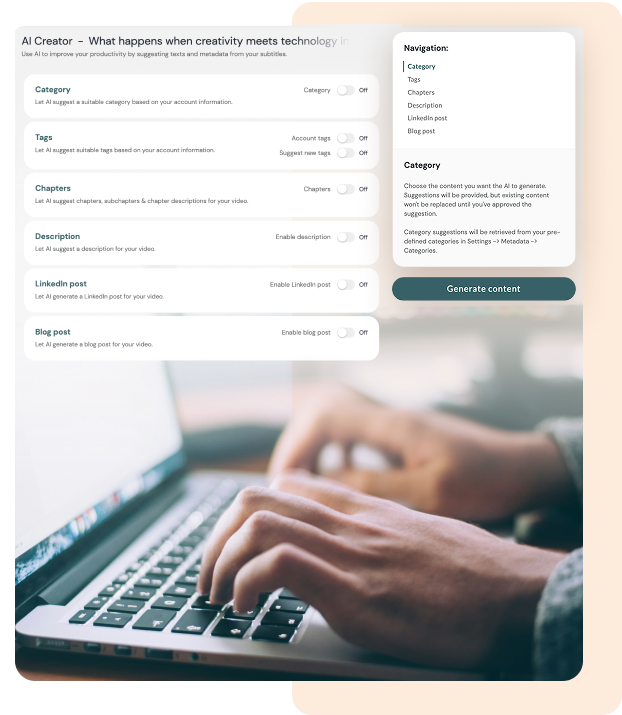
Keeping video content organised can quickly become a bit of a chore when titles, tags and categories are added as an afterthought or forgotten along the way. Without a clear structure from the start, it becomes rather difficult to manage and find content over time.
By using AI transcription and editing as the foundation, you can easily generate the titles, descriptions and tags needed to keep things tidy. It is a straightforward way to ensure your library remains well-structured and searchable as it grows.
AI transcription and editing
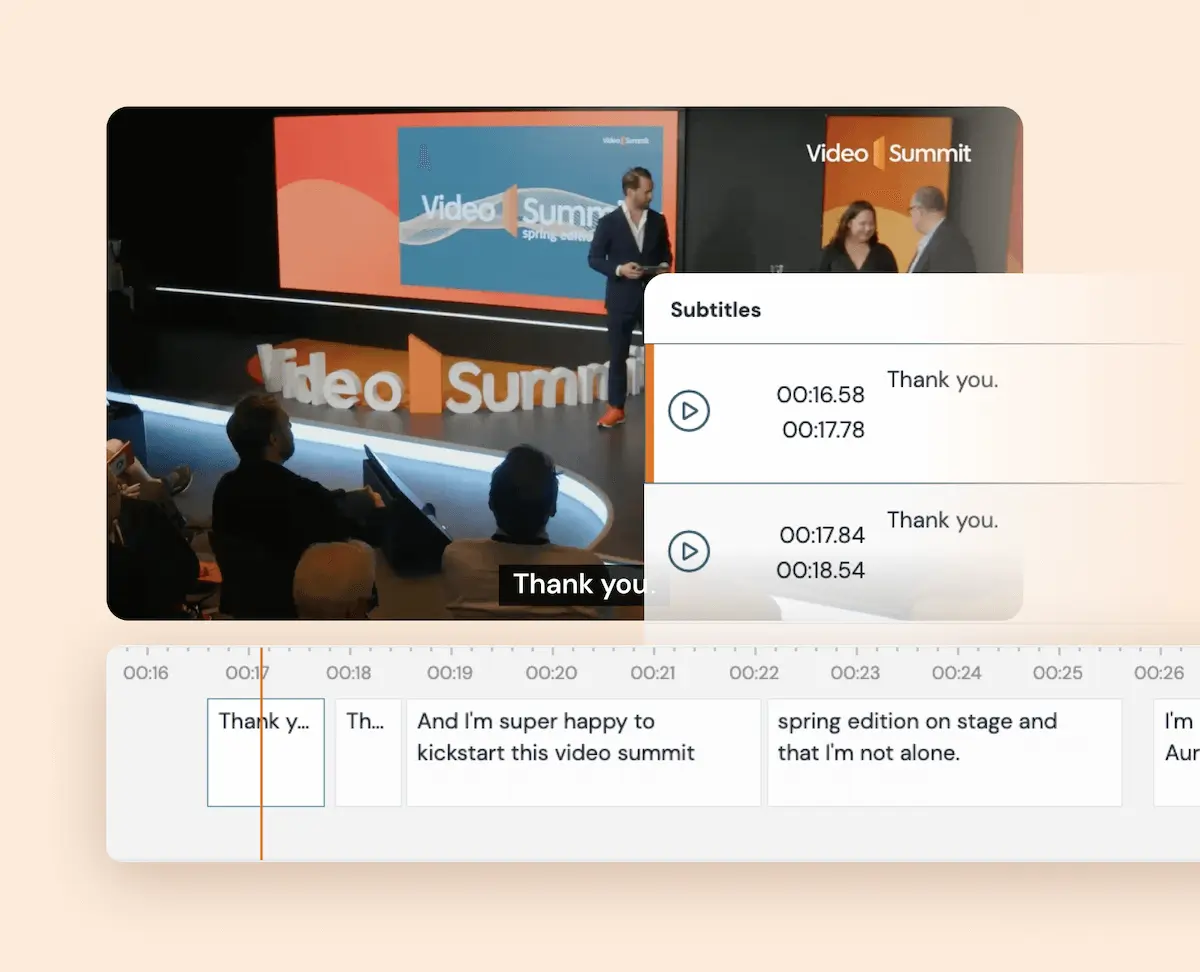
Editing video can take time, especially when you need to transcribe content, remove unwanted pauses or prepare it for different audiences. The more manual work involved, the slower it becomes to publish polished content.
With AI transcription and editing, you can quickly transcribe recordings, clean up filler words and awkward pauses, add translations and apply brand templates in one smooth workflow. It helps you move from raw recording to ready-to-share video much faster.
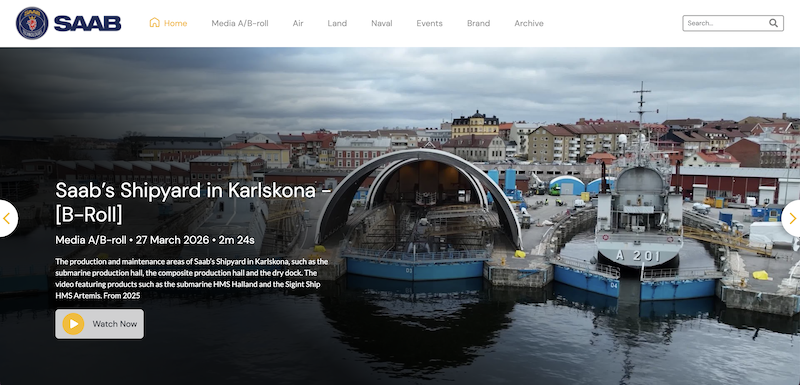
How SAAB leverages Quickchannel's video platform for secure, efficient and personalized video communication
By utilizing Quickchannel’s media library, SAAB has saved time, money, and energy that would have been spent on individual file management. Additionally, their service has reduced internal network traffic, preventing any network limitations.
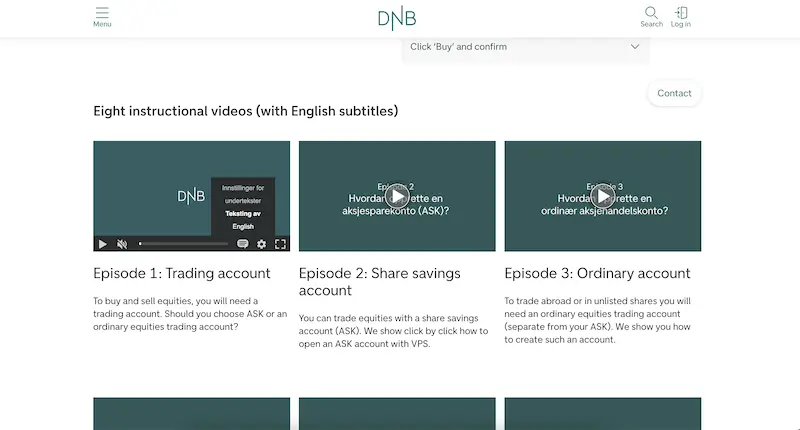
How DNB transformed their video content management strategy using Quickchannel
DNB’s experience with Quickchannel exemplifies how effective integration and dedicated support can transform digital video content management for large organizations, ensuring security, compliance, and efficiency.
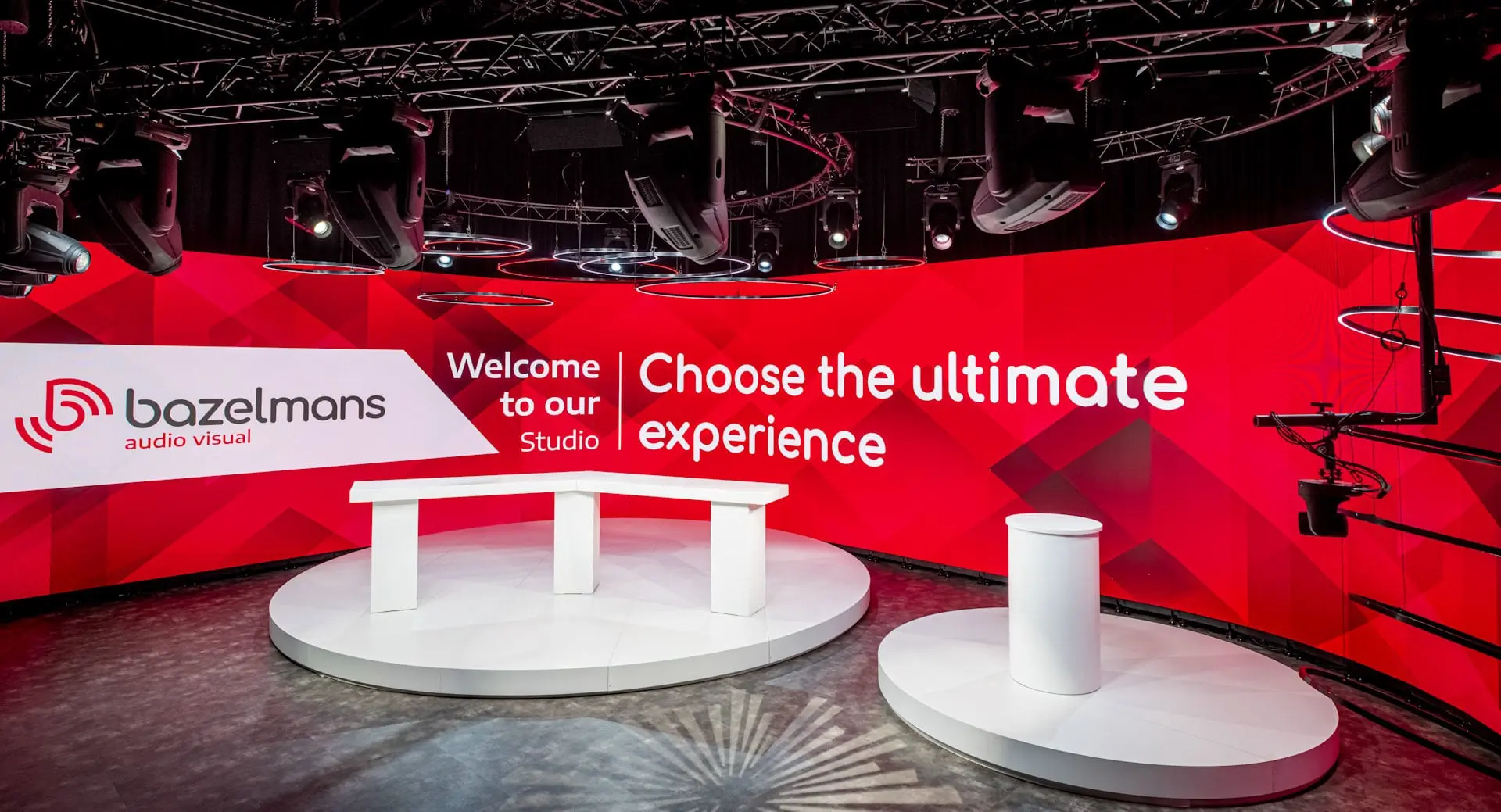
How Bazelmans gains branding capabilities for their video events with Quickchannel
Since adopting Quickchannel, Bazelmans AV has improved both internal workflows and client satisfaction. Video production is now faster and more consistent, enabling the team to confidently deliver high-quality live streams to a wide audience.
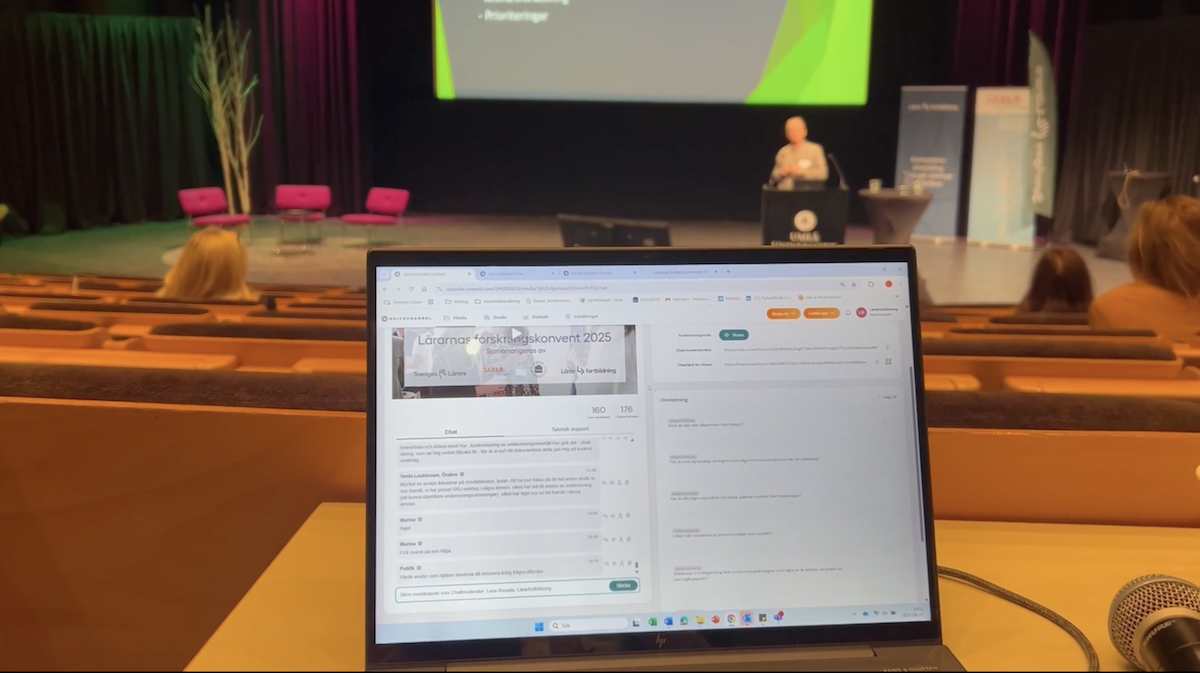
Scaling teacher training nationwide: Lärarfortbildning’s digital leap with Quickchannel
Since adopting Quickchannel, Lärarfortbildning now reaches more teachers and can scale their trainings more than ever before.
MORE FROM PLAN & CREATE
Video recording is just the beginning
With Quickchannel, you have everything you need to plan and create high-quality video content, all in one platform.
FREQUENTLY ASKED QUESTIONS
Get answers to your questions.
How can I record my screen and webcam at the same time?
With Quickchannel’s video recorder, you can capture both your screen and camera simultaneously using the browser-based recording feature. Picture-in-picture mode lets you overlay one feed on the other in a customizable layout.
Do I need to download any software to use Quickchannel?
No. Everything works straight from your browser or mobile app. You just log in, record, and save your video in the Quickchannel Console.
Can I edit my video after recording?
Yes! You can crop, trim, cut, add filters, transitions, overlays, and even brand elements using the advanced Quickchannel Video Editor.
Does Quickchannel support subtitles or transcription?
Absolutely. The AI transcription feature lets you generate captions instantly. You can clean up the transcript, translate it into 25+ languages, and use it for accessibility or SEO.
Can I record on mobile?
Yes. Our mobile app provides the same powerful features you get in the browser, including camera/screen recording and metadata management. Currently available only for iOS. Download the app in App Store.
Is the data recorded compliant and secure?
Your videos are stored securely and compliant within the Quickchannel Console. By default, all data is stored on servers located in the EU and owned by European entities. You have complete control over who can access, view, or edit your content.
Can I record and reuse live streams?
Yes. All live streams can be recorded, trimmed, and repurposed using Quickchannel’s built-in video editor. Perfect for sharing on-demand content post-event.
How do I get started?
You can book a demo or watch an on-demand demo directly from our website to see the platform in action.