Video accessibility
Make video accessible for every viewer
Accessibility should be part of every video experience. Quickchannel helps you create content that is easier to watch, understand and use for more people, across devices, languages and different accessibility needs.
Feature highlights
Inclusive by design
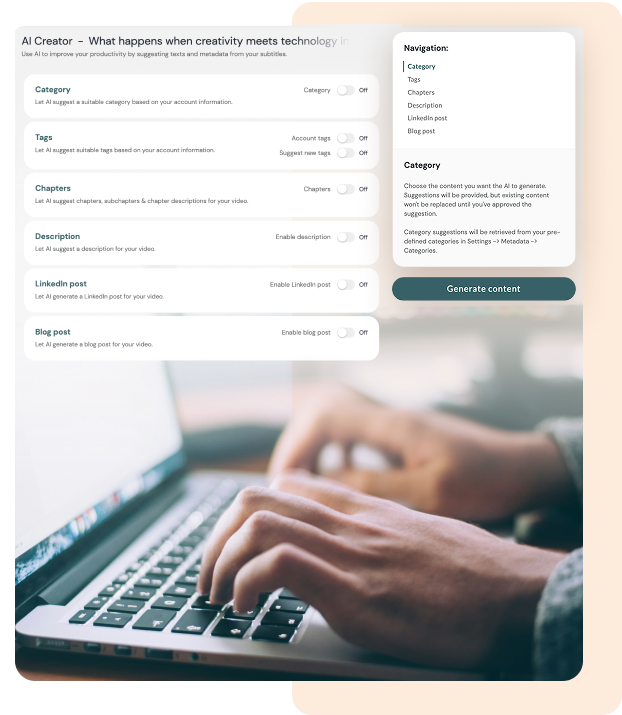
Make video easier to use for people with different visual, hearing and motor accessibility needs.
Keyboard-friendly navigation
Let viewers navigate the player using only a keyboard, with full control and no mouse needed.
Screen reader interaction
Support screen readers with structured metadata and labels for a smoother viewing experience.
Global reach, local voice
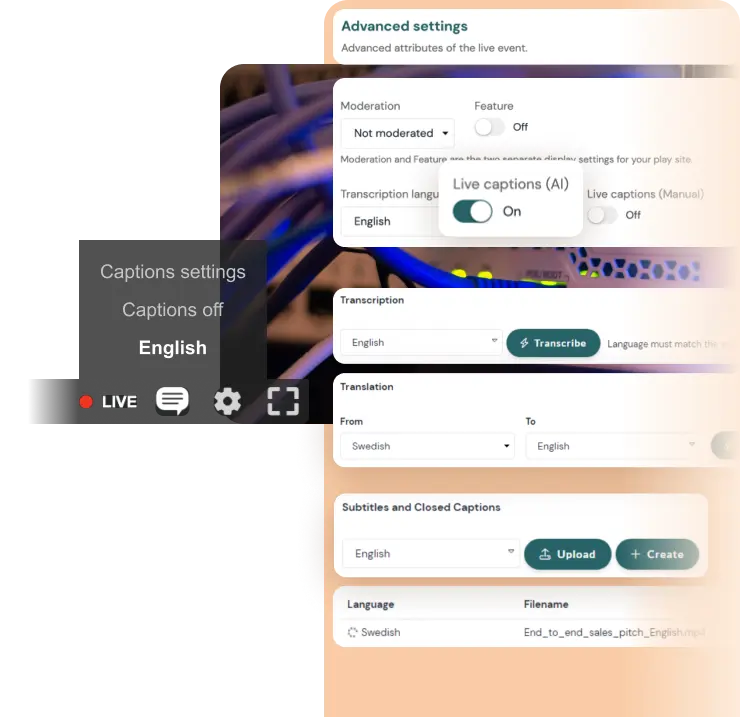
Reach more viewers with multilingual support and translation tools.
WCAG-accessible video player
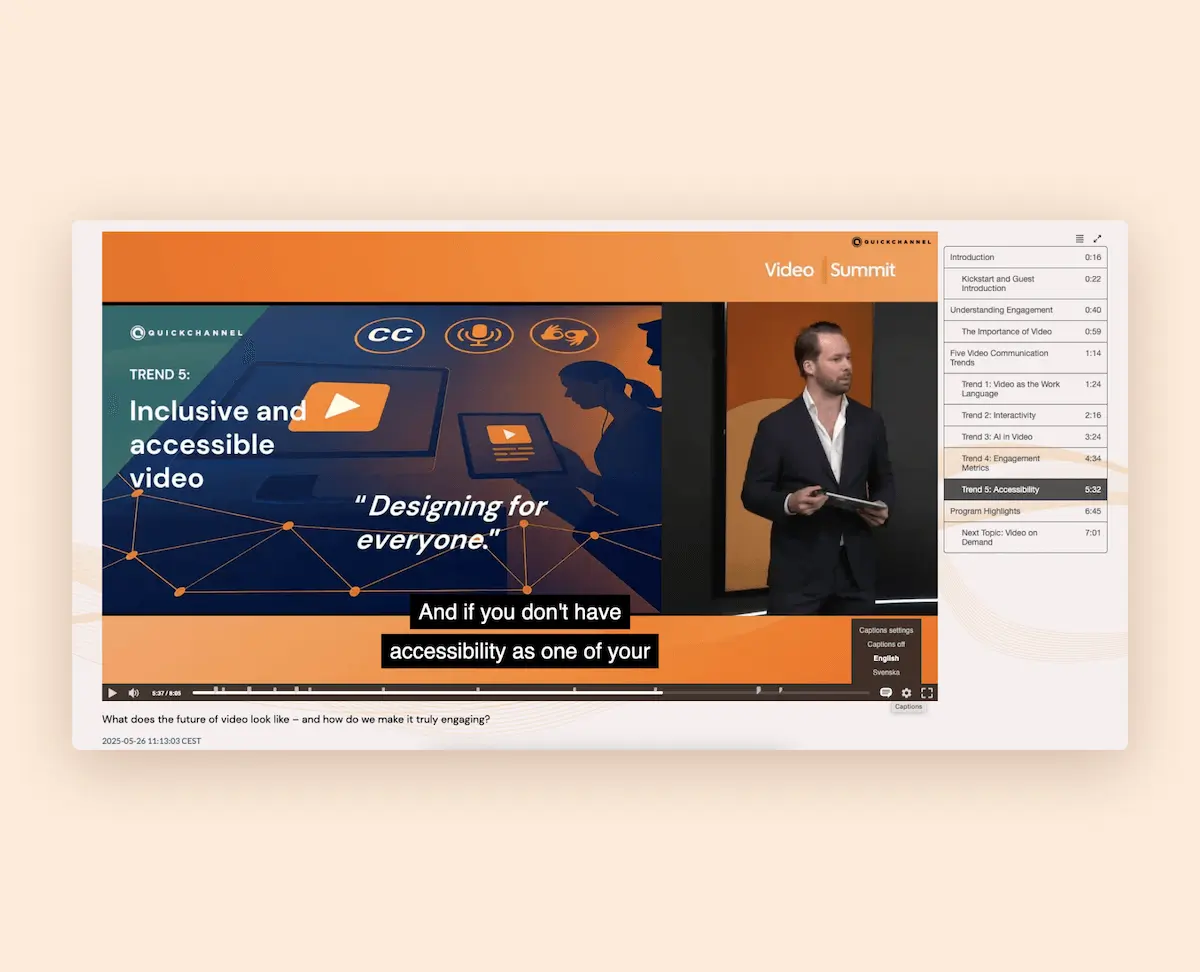
A video player should work for everyone. When controls are difficult to see or navigation depends on a mouse, parts of your audience can be left out of the experience.
Our video player supports WCAG 2.2 AA and most AAA guidelines, with clear controls, high contrast, and adjustable playback. It also works with screen readers and keyboard navigation, with no custom development needed.
Audio description support
Some viewers rely on more than standard audio to fully understand what is happening on screen. Audio description helps make visual content easier to follow and creates a more inclusive viewing experience.
With support for multiple audio tracks and audio description, you can make your videos more accessible for people with visual impairments and give more viewers equal access to your content.
Transcriptions, translations and sign language support
Not every viewer takes in information in the same way. Captions, transcripts, translations and sign language support all help make video easier to understand, follow and access.
With Quickchannel, you can add manual or automated transcriptions, create subtitles in multiple languages and offer downloadable transcripts. You can also support sign language interpretation through a dedicated video window, making your content more inclusive for viewers with hearing impairments.
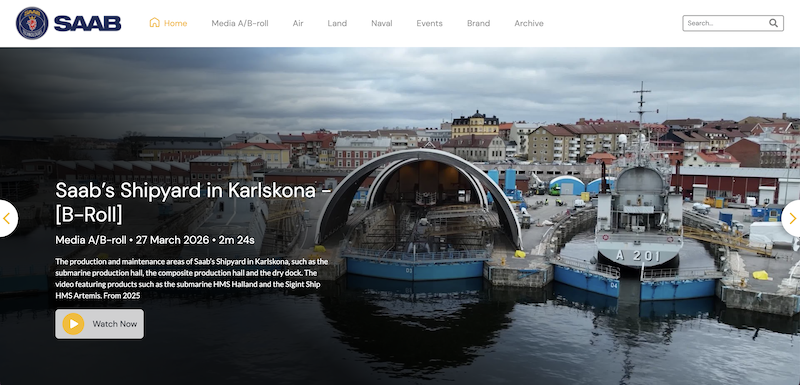
How SAAB leverages Quickchannel's video platform for secure, efficient and personalized video communication
By utilizing Quickchannel’s media library, SAAB has saved time, money, and energy that would have been spent on individual file management. Additionally, their service has reduced internal network traffic, preventing any network limitations.
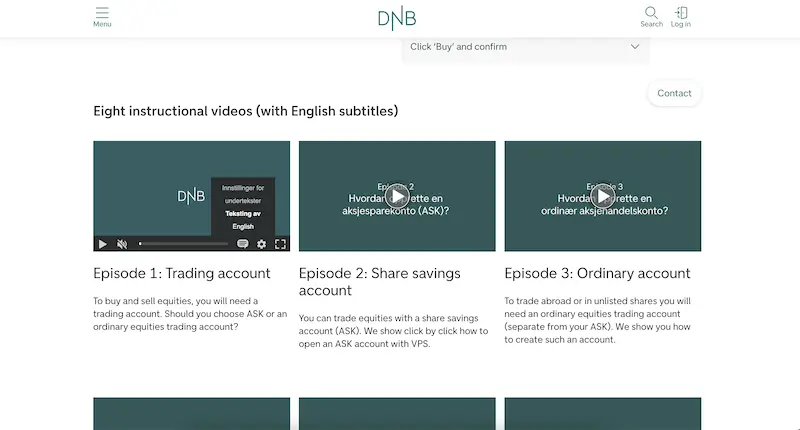
How DNB transformed their video content management strategy using Quickchannel
DNB’s experience with Quickchannel exemplifies how effective integration and dedicated support can transform digital video content management for large organizations, ensuring security, compliance, and efficiency.
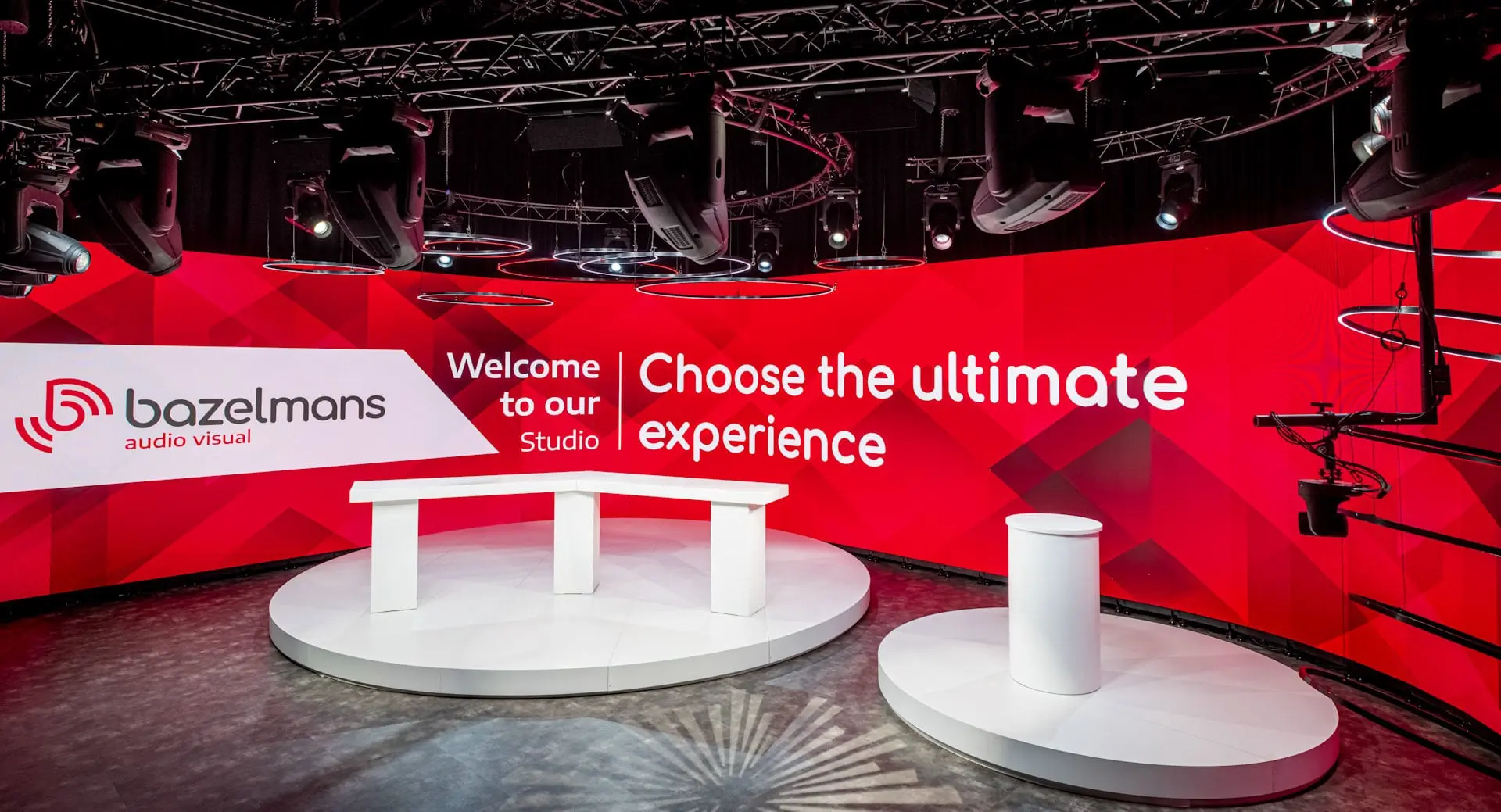
How Bazelmans gains branding capabilities for their video events with Quickchannel
Since adopting Quickchannel, Bazelmans AV has improved both internal workflows and client satisfaction. Video production is now faster and more consistent, enabling the team to confidently deliver high-quality live streams to a wide audience.
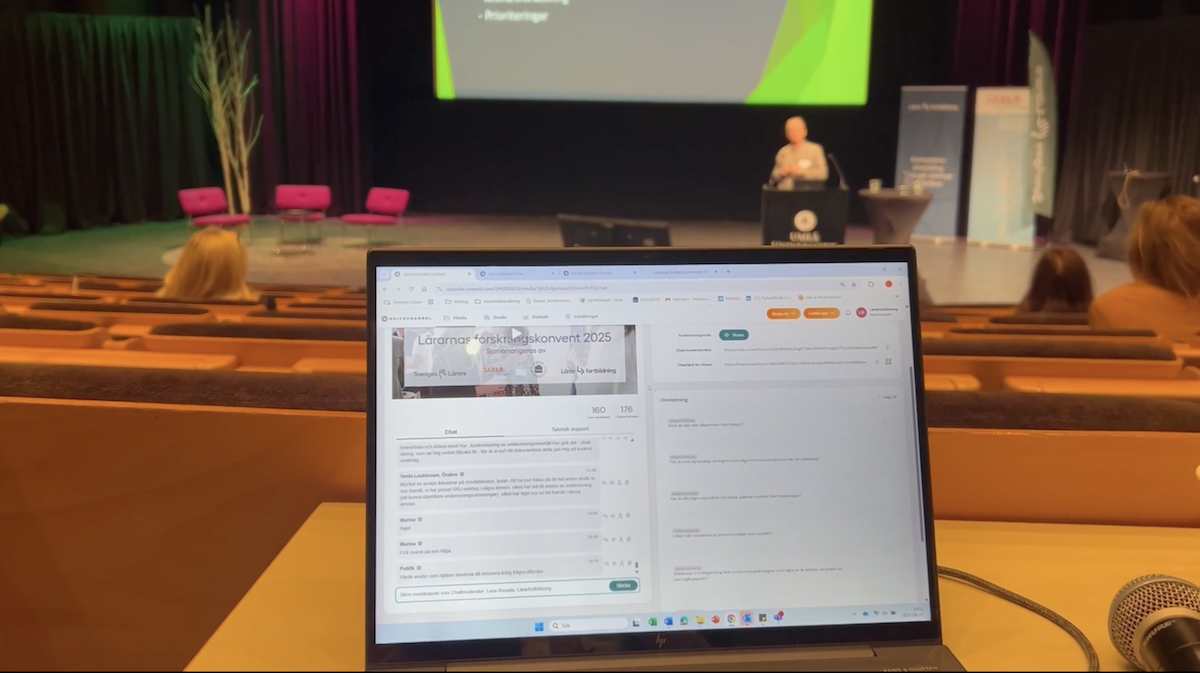
Scaling teacher training nationwide: Lärarfortbildning’s digital leap with Quickchannel
Since adopting Quickchannel, Lärarfortbildning now reaches more teachers and can scale their trainings more than ever before.
MORE FROM HOST & MANAGE
Video accessibility is just the beginning
Quickchannel is your team’s command center for everything video — securely host GDPR-compliant content and manage it through an intuitive, streamlined workflow.
FREQUENTLY ASKED QUESTIONS
Get answers to your questions.
What is video accessibility?
Video accessibility refers to practices and technologies that make video content usable for individuals with impairments— such as captions for those with hearing loss, screen reader compatibility for the visually impaired, and keyboard access for users with mobility challenges.
How does Quickchannel support screen readers?
Quickchannel’s video player and Video site integrates with screen readers through proper semantic HTML, ARIA roles, and labeled controls. This enables users to easily navigate, identify controls, and understand content flow.
Are captions and transcriptions included in Quickchannel?
Yes. Quickchannel offers both automated and manual captioning and supports downloadable transcripts. These tools improve accessibility and help boost content discoverability through SEO.
Can users navigate Quickchannel videos without a mouse?
Absolutely. Our player is fully keyboard accessible, allowing users to navigate menus, play or pause content, and toggle features using only the keyboard. Read more about WCAG and our player here.
Does Quickchannel support multilingual subtitles and translations?
Yes. Quickchannel allows you to upload or auto-generate subtitles in multiple languages. Viewers can choose their preferred language, making your content globally inclusive.