

video editor
Edit professional videos with ease
Create polished video content directly in your browser, without advanced tools or editing experience. Trim, cut, add text and make quick updates with a simple workflow that helps you publish faster.
Feature highlights
Intuitive drag-and-drop editing
Build your videos in minutes with a drag-and-drop interface. Simply arrange your clips, audio, and overlays.
Social media-ready videos
Turn long videos into shorter clips for social media. A simple way to repurpose content and share key moments across more channels.
Branded templates
Keep your videos consistent with branded templates for intros, outros, overlays and audio. Create a polished look across every video.
Crop, trim and cut
Remove unwanted sections and focus on the moments that matter most. Ideal for creating shorter clips for different audiences and channels.
Scalable for the entire team
Make video editing easy across the organisation with a simple editor and flexible access. Help more teams create content without added complexity.
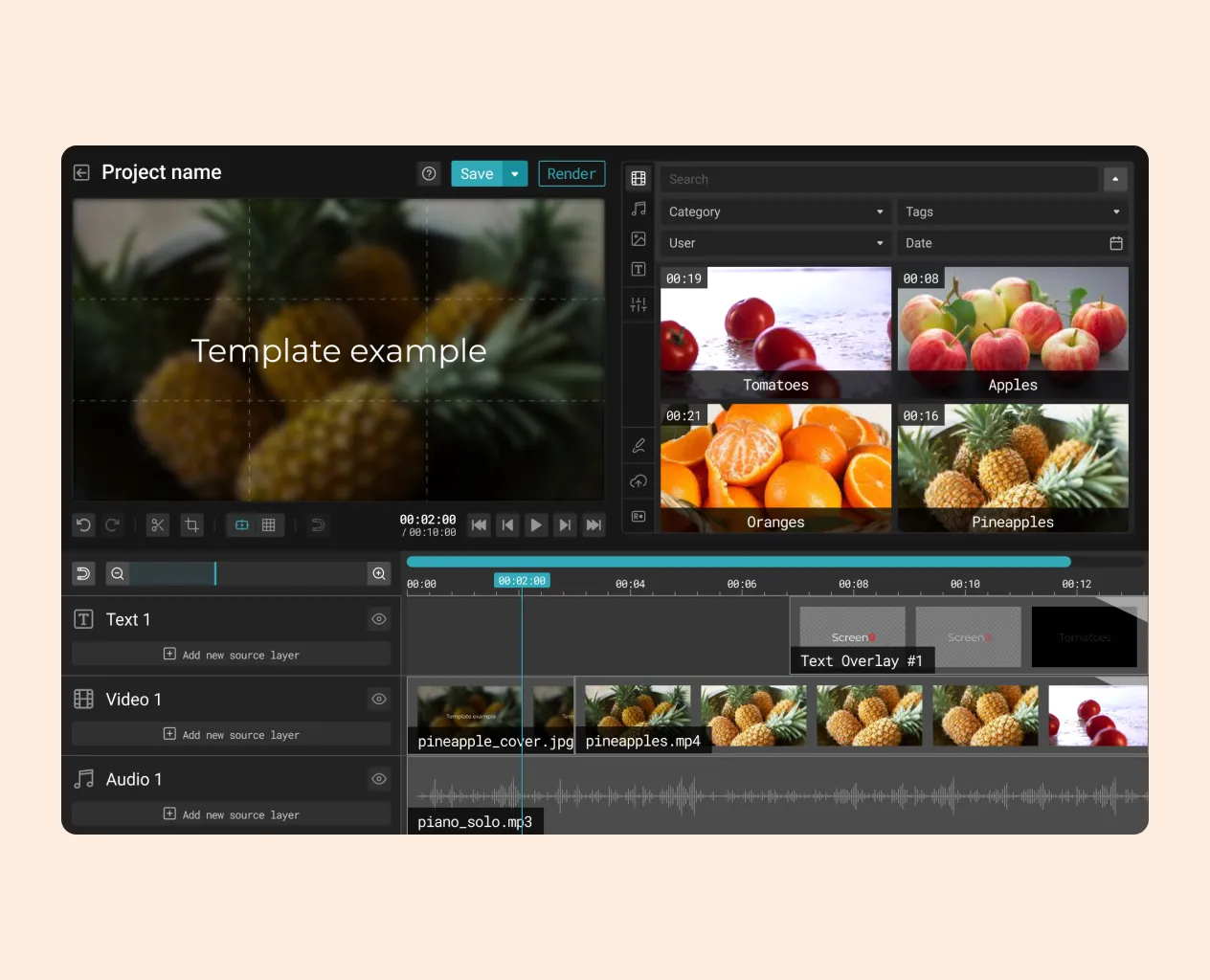
Simple editing workflow
Editing video should feel easy, not technical or cumbersome. When the workflow is easy to follow, more people can create polished content without needing specialist tools or production experience.
With our editor, you can arrange clips, audio and overlays with ease, then trim, cut and refine your footage in just a few steps. It is a simple way to create professional videos faster and focus on the moments that matter most.
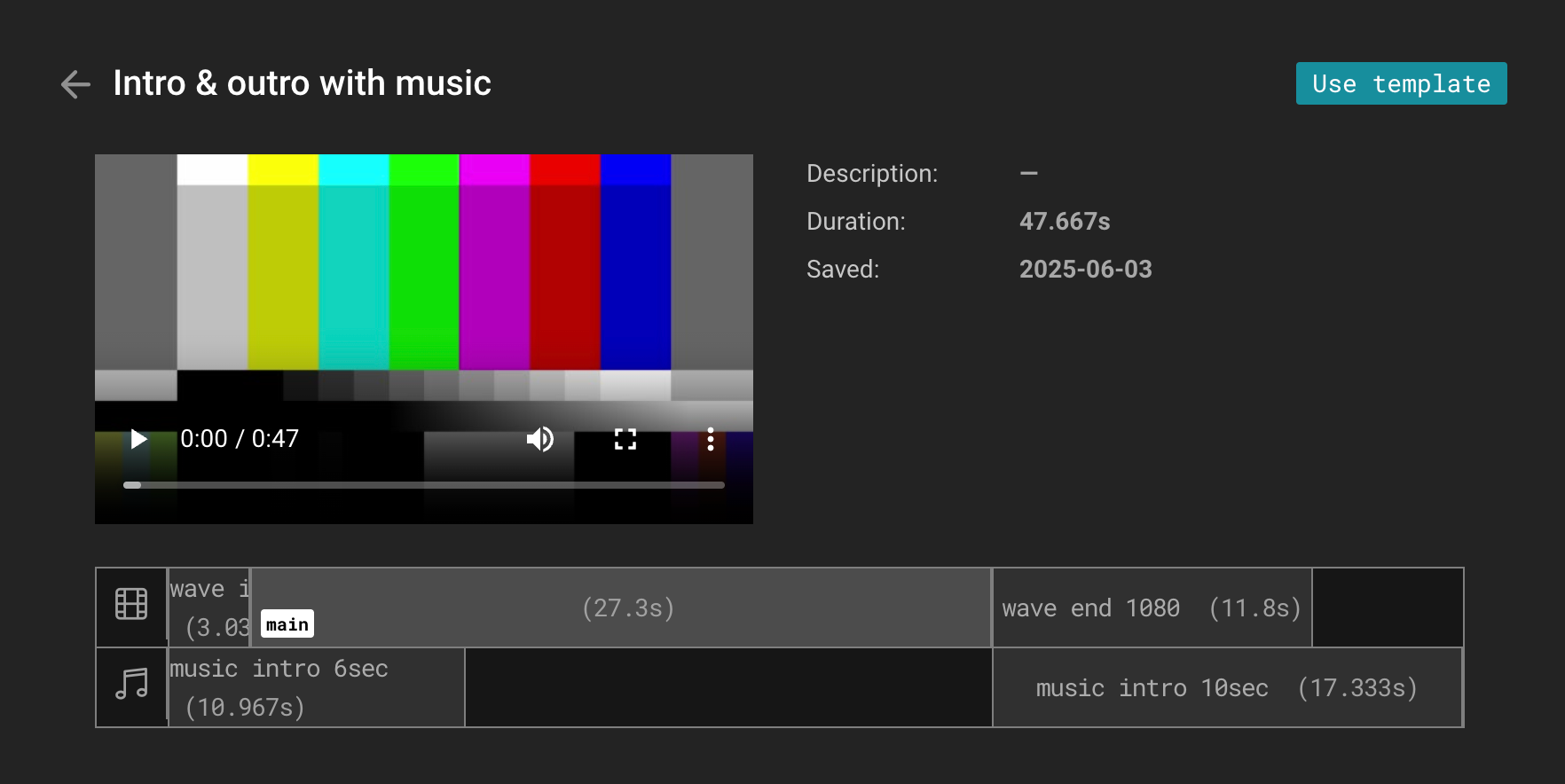
Branded templates
Keeping video content consistent across teams can be difficult without clear brand guidelines built into the workflow. When every video follows the same visual standard, it becomes easier to create a more professional and recognisable experience.
With branded templates, you can build your own intros, outros, overlays and audio elements to match your brand. This helps teams create high quality videos faster while keeping the look and feel consistent across the organisation.
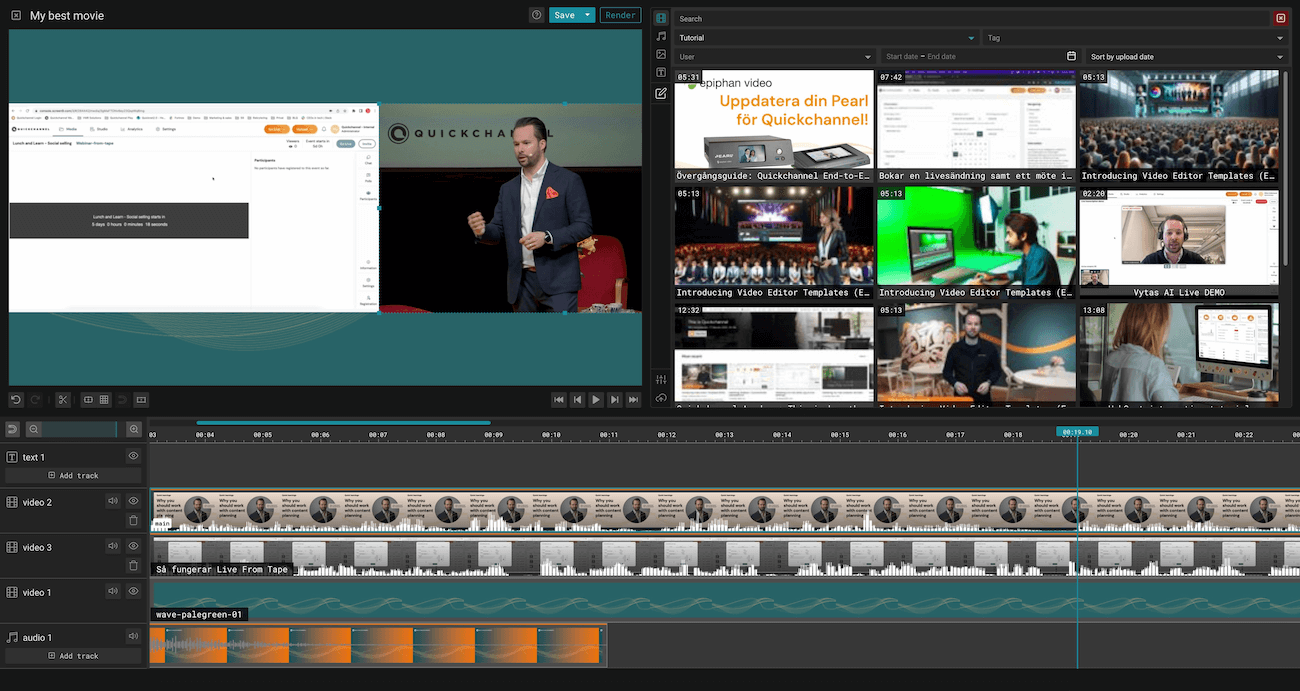
Overlays and picture-in-picture
Sometimes video needs more than one visual layer to fully support the message. Adding presenters, interpreters, titles and graphic elements can make content clearer, more engaging and more accessible for different audiences.
With overlays and picture-in-picture, you can place commentary videos, presenters, text and graphics exactly where you need them. You can also use transitions, filters and visual effects to create a smoother and more polished viewing experience that strengthens both branding and accessibility.
Additional key features
Multi-track editing
Work with multiple video, audio and text tracks in one project. A simple way to create more structured videos for presentations, interviews and layered content.
Built-in free audio library
Access royalty-free music and sound effects directly in the editor. An easy way to add depth to your videos without extra licensing steps.
Font customisation
Choose from a wide range of free fonts or upload your own. This helps every video stay consistent with your visual identity.
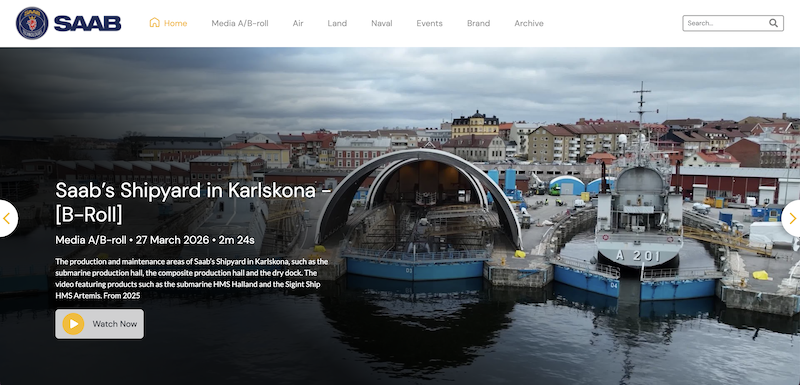
How SAAB leverages Quickchannel's video platform for secure, efficient and personalized video communication
By utilizing Quickchannel’s media library, SAAB has saved time, money, and energy that would have been spent on individual file management. Additionally, their service has reduced internal network traffic, preventing any network limitations.
How DNB transformed their video content management strategy using Quickchannel
DNB’s experience with Quickchannel exemplifies how effective integration and dedicated support can transform digital video content management for large organizations, ensuring security, compliance, and efficiency.
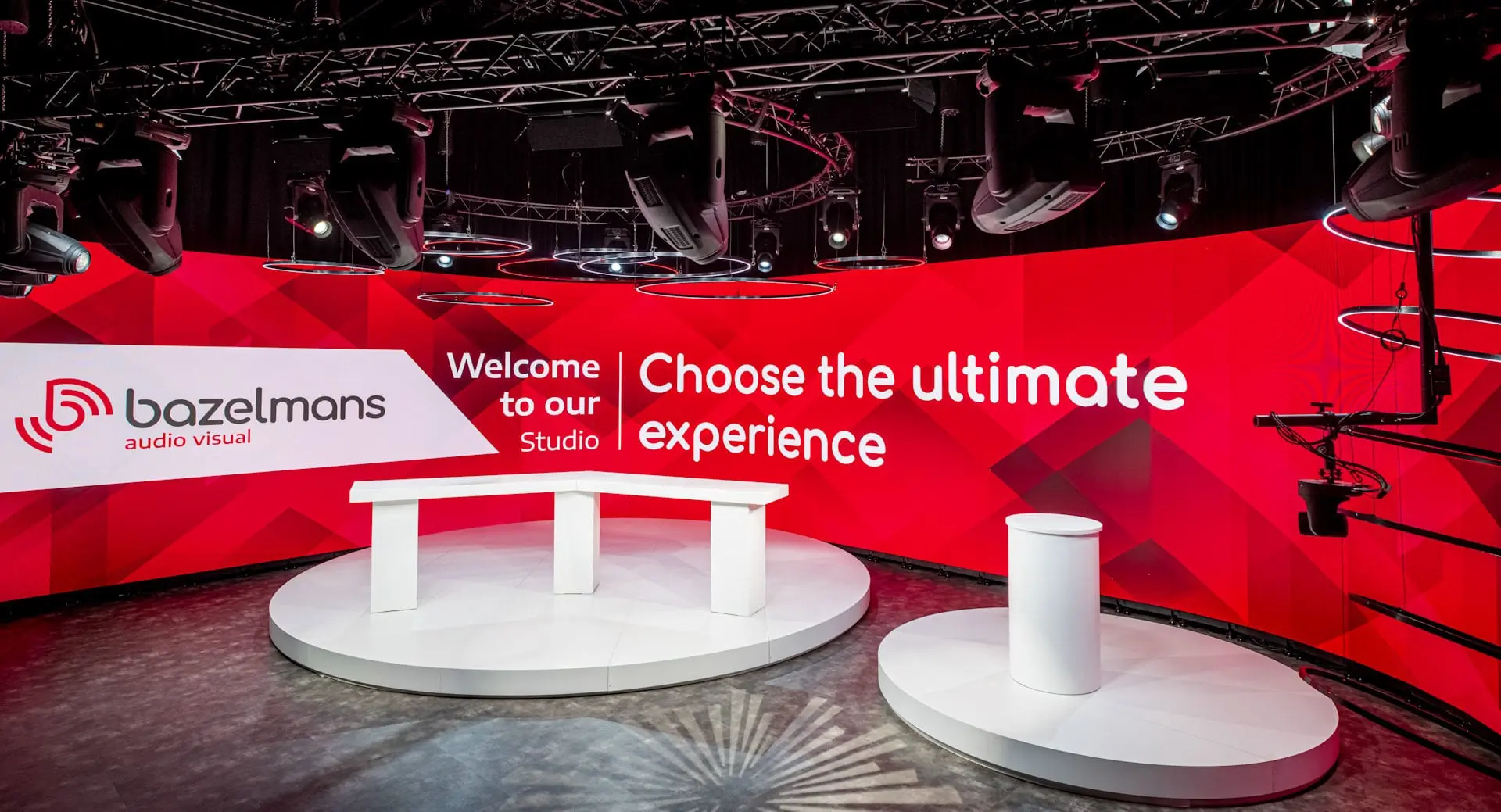
How Bazelmans gains branding capabilities for their video events with Quickchannel
Since adopting Quickchannel, Bazelmans AV has improved both internal workflows and client satisfaction. Video production is now faster and more consistent, enabling the team to confidently deliver high-quality live streams to a wide audience.
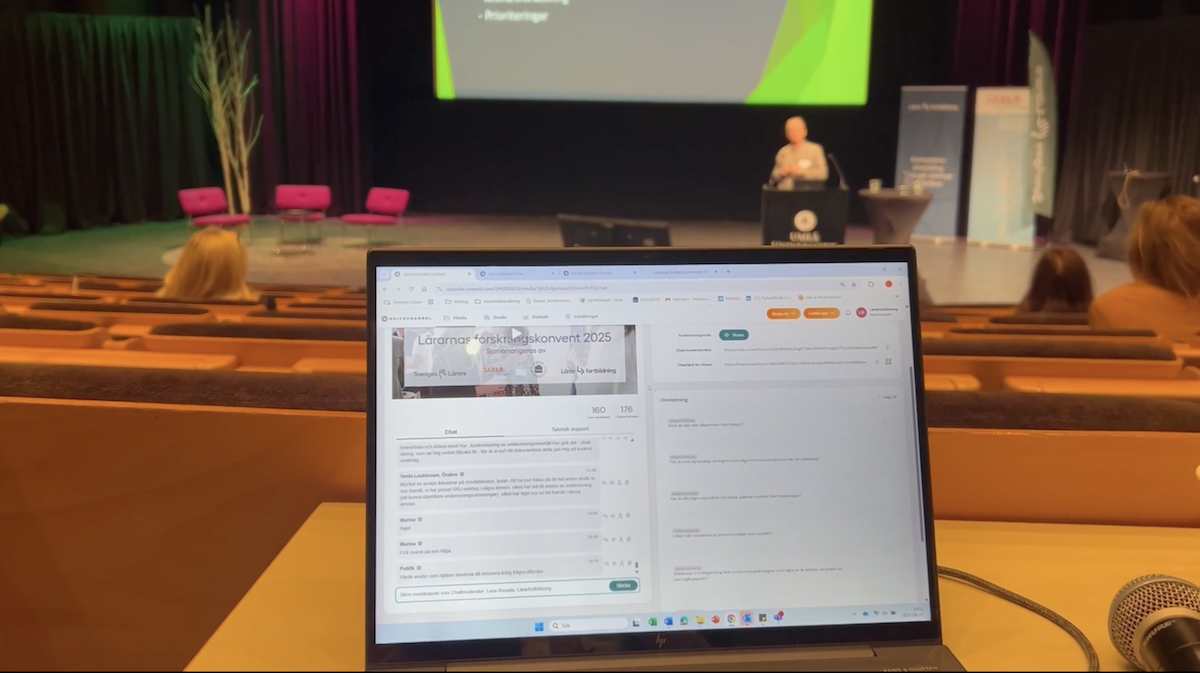
Scaling teacher training nationwide: Lärarfortbildning’s digital leap with Quickchannel
Since adopting Quickchannel, Lärarfortbildning now reaches more teachers and can scale their trainings more than ever before.
MORE FROM PLAN & CREATE
Video editing is just the beginning
With Quickchannel, you have everything you need to plan and create high-quality video content, all in one platform.
FREQUENTLY ASKED QUESTIONS
Get answers to your questions.
What is a video editor and why does my business need one?
A video editor allows users to modify, enhance, and personalize video footage. For businesses, it’s essential for communicating effectively, elevating brand presence, and increasing viewer engagement through professional-looking content.
Is Quickchannel’s Video Editor beginner-friendly?
Yes! The editor is designed for non-creatives and professionals alike. Its drag-and-drop interface makes video creation as easy as building a slide deck.
Can I use my own branding in the videos?
Absolutely. You can customize text overlays with your fonts and brand colors, and easily add logos or image assets to match your brand guidelines.
What makes Quickchannel’s Video Editor different from other tools?
Unlike tools designed for experienced content marketing or video creators, Quickchannel focuses on users with no prior editing experience. It includes features built for businesses — easy drag-and-drop functionality, custom overlays for branded presentations, and fast editing for time-sensitive internal and external videos.
How do I get started?
You can book a demo or watch an on-demand demo directly from our website to see the platform in action.

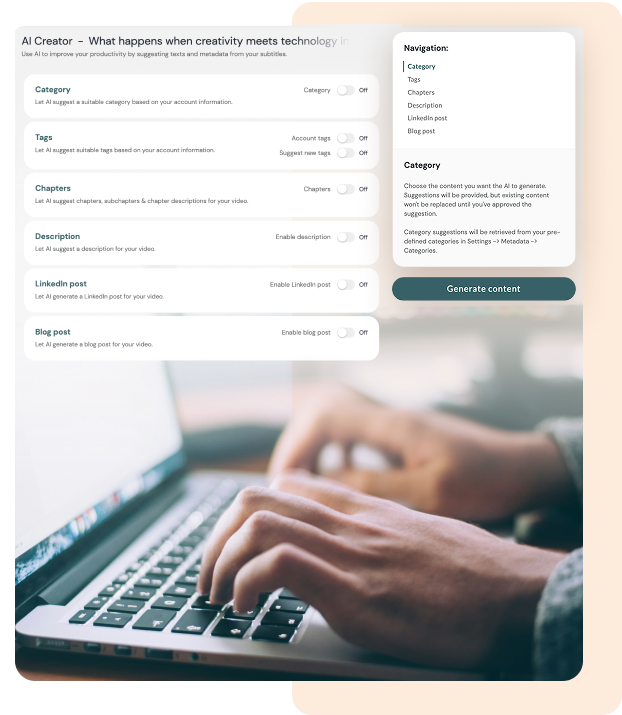
Social media-ready clips
Long-form video often contains valuable moments that deserve a wider reach. Turning those moments into shorter clips makes it easier to extend the life of your content and share it across more channels.
With our editor, you can quickly turn long-form video into short clips for social media. Support for formats like 16:9, 1:1, 4:5, and 9:16 makes it easy to create content for different platforms and save time.