Call to action
Turn video into meaningful action
Guide viewers towards the next step with clickable calls-to-action built into your video experience. With Quickchannel, you can turn attention into measurable results in both live and on-demand content.
Feature highlights
Drive more conversions
Turn viewer attention into measurable results with CTAs placed where engagement is at its highest.
Boost viewer engagement
Encourage real-time interaction inside your videos and create more opportunities for viewers to respond.
Fully branded & customizable
Keep every CTA aligned with your brand through colours, fonts and styling that match the rest of your video experience.
Standard CTAs for on-demand video
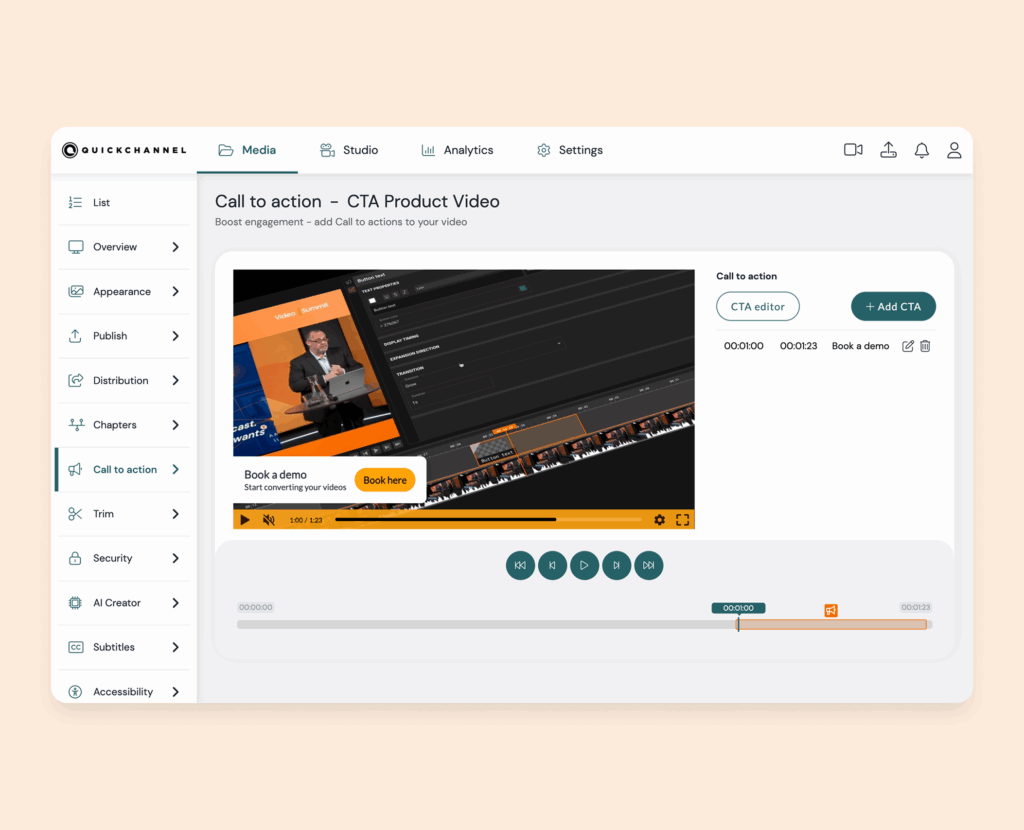
Sometimes a simple prompt is all it takes to guide viewers towards the next step. When it is easy to add clear and well-placed CTAs, you can start driving action without adding complexity to your workflow.
With standard call to action for on-demand video, you can use branded templates, add one CTA per video and control text, timing and duration with ease. It is a simple way to make on-demand content more actionable while keeping the experience consistent.
Advanced CTAs in video on-demand
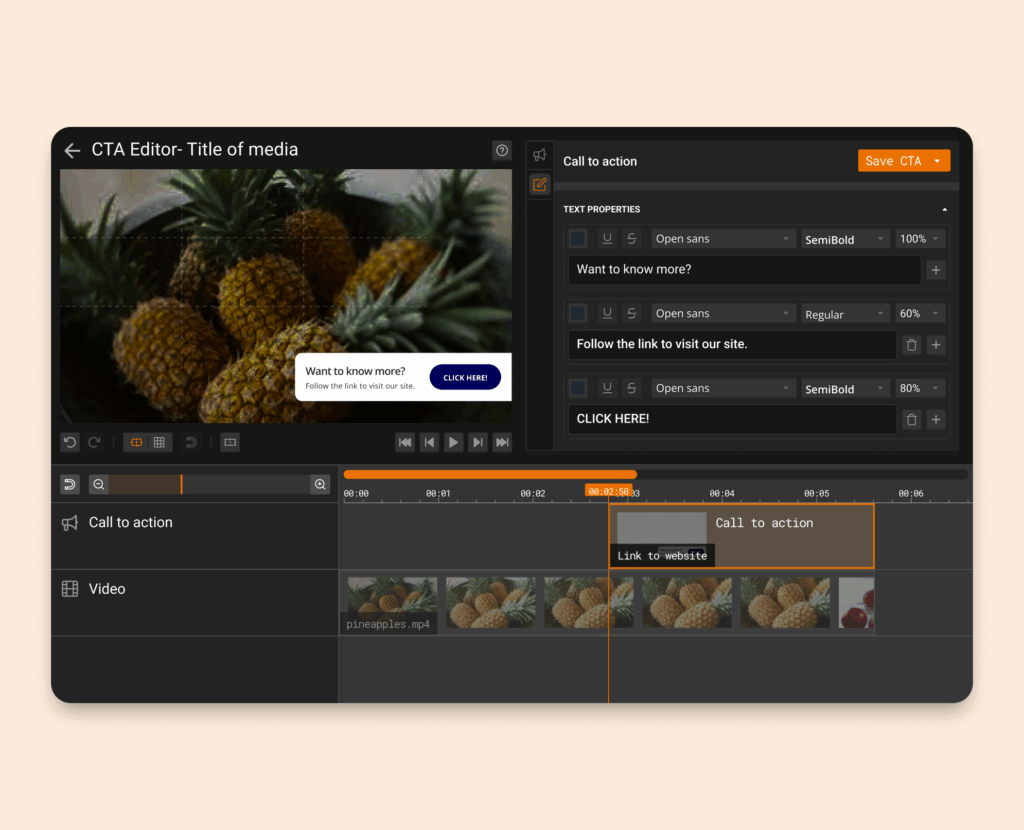
Some teams need more than a single prompt to support their content goals. When you want greater creative control, reusable templates and more tailored viewer journeys, advanced CTA tools give you more flexibility.
With advanced call to action for on-demand video, you can add multiple CTAs, customise the design, control transitions and placement, and build your own templates in the Video Editor. This gives you more freedom to create branded and conversion-focused experiences at scale.
Call to action for live events

Live engagement is most effective when viewers can act in the moment. Giving your audience a clear next step during the event helps turn attention into clicks, sign-ups, and other measurable outcomes.
With call to action-for-live events, you can launch clickable branded CTAs directly during your broadcast. Choose from ready-to-use formats and add them when viewer attention is at its highest, making live events more interactive and results-driven.
Pssst.. Live CTAs are included in Live Studio.
Call to action use cases
Use CTAs to drive viewers where you want them
- Add a link to “Sign up to a newsletter”
- Encourage a viewer to “Read more” or “Learn more”
- Add a “Download Report” button in your webinar or financial report
- Link viewers to a “Register” via a form for your next event
- Encourage learners to “Watch the next video” in an educational series
- Add a “Talk to sales/book a demo” button in your product demo video
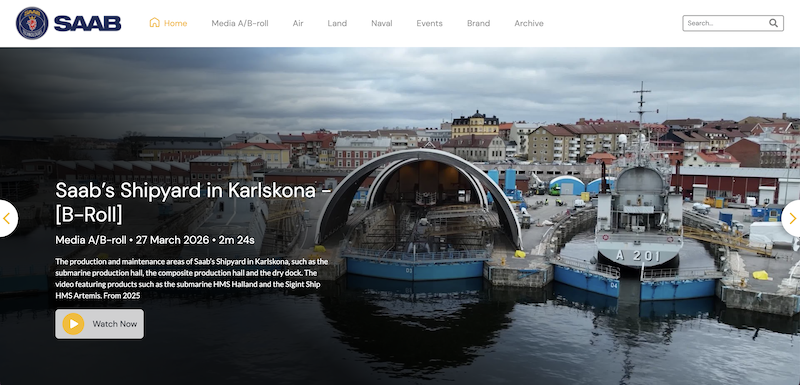
How SAAB leverages Quickchannel's video platform for secure, efficient and personalized video communication
By utilizing Quickchannel’s media library, SAAB has saved time, money, and energy that would have been spent on individual file management. Additionally, their service has reduced internal network traffic, preventing any network limitations.
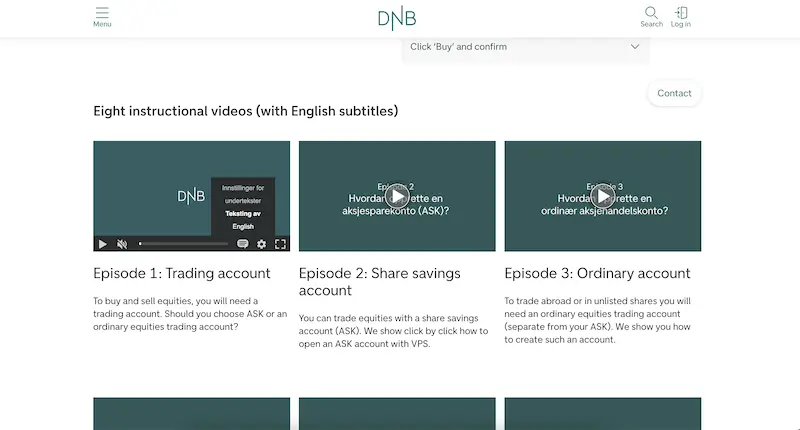
How DNB transformed their video content management strategy using Quickchannel
DNB’s experience with Quickchannel exemplifies how effective integration and dedicated support can transform digital video content management for large organizations, ensuring security, compliance, and efficiency.
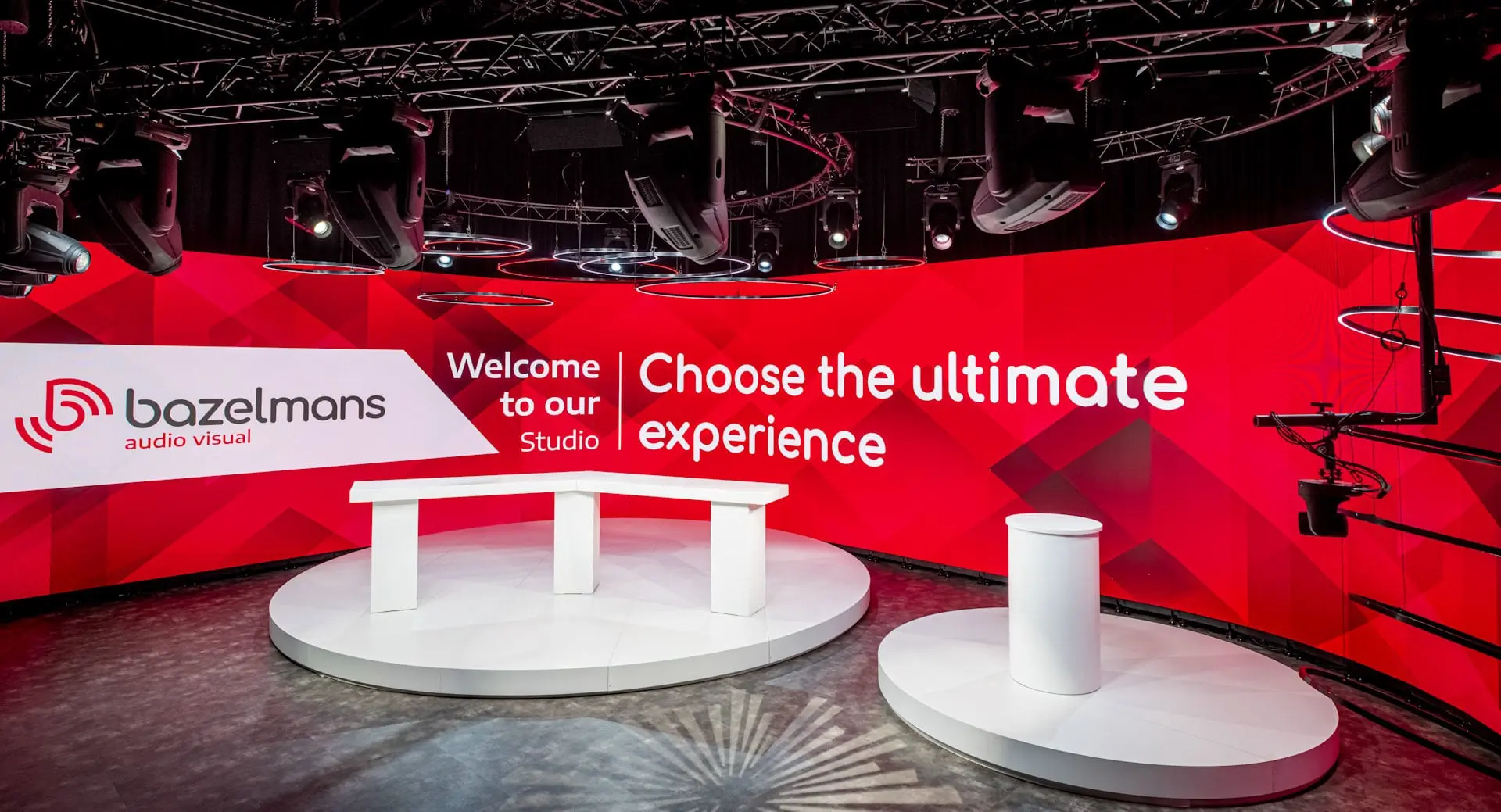
How Bazelmans gains branding capabilities for their video events with Quickchannel
Since adopting Quickchannel, Bazelmans AV has improved both internal workflows and client satisfaction. Video production is now faster and more consistent, enabling the team to confidently deliver high-quality live streams to a wide audience.
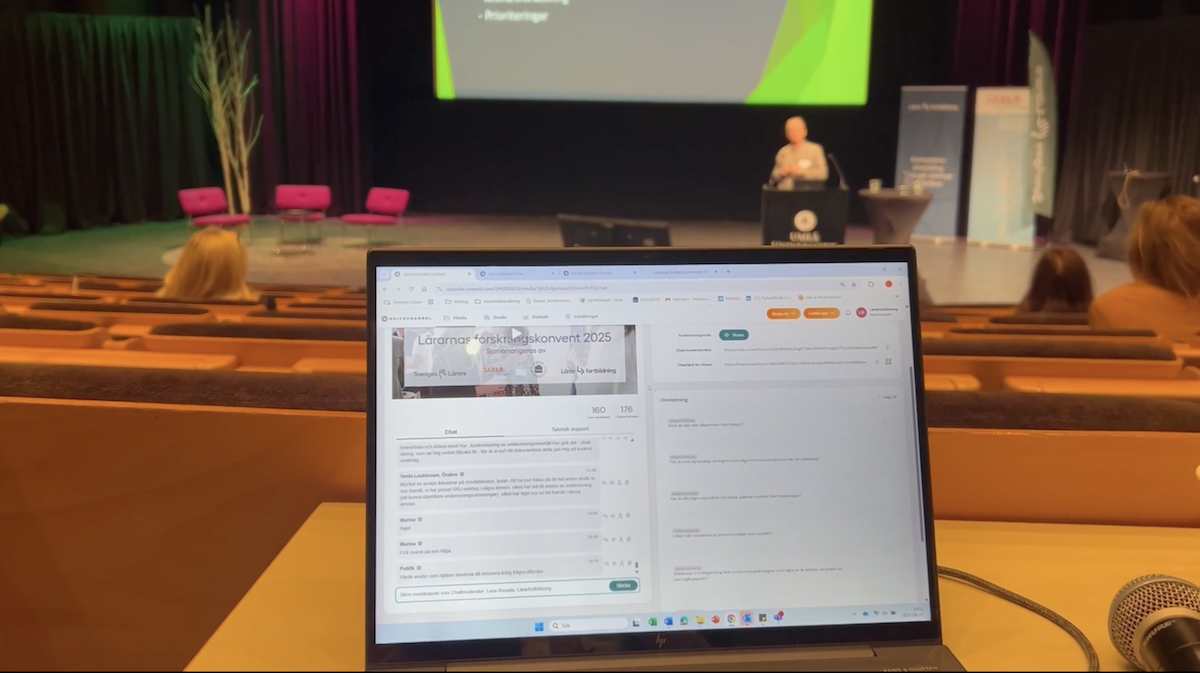
Scaling teacher training nationwide: Lärarfortbildning’s digital leap with Quickchannel
Since adopting Quickchannel, Lärarfortbildning now reaches more teachers and can scale their trainings more than ever before.
MORE FROM ENGAGE & DISTRIBUTE
Call to action is just the beginning
Drive interaction through CTAs, live chat, polls, and guest presenters — all designed to keep your audience actively engaged.
FREQUENTLY ASKED QUESTIONS
Get answers to your questions.
What is call to action (CTA)?
A CTA is a prompt that encourages your audience to take a specific action. CTAs drive engagement, conversions, and revenue by clearly telling people what you want them to do next.
What is the difference between CTA for live video and video on-demand?
CTAs in Live videos are designed to engage your audience during a live event in Live Studio — for example, by encouraging participation or interaction in real time.
CTAs in video on-demand, are used for pre-recorded content that viewers can watch anytime. These videos can be embedded on your website, intranet, Videosite, or shared directly via a link as on-demand content.
Do I need any special tools to use it?
No. If you already have access to Quickchannel’s end-to-end video platform, Standard CTA is automatically available. The Advanced version comes with the Video Editor package. Check out our plans here.
Can I customize the look and feel of my CTAs?
Absolutely. Your CTAs automatically inherit your brand’s fonts and colors, and in the advanced CTA editor you can fine-tune every detail, from button position to transition animations.
How do I get started?
CTA is available for all Quickchannel customers by default. Not a customer? Simply fill out the form on this page and we’ll set up a demo for you.