
compliant ai transcription
Turn speech into text with ease
Make live and on-demand video easier to access, share and understand with AI transcription. Quickchannel helps you create accurate captions and transcriptions without manual work or separate tools, saving time while improving accessibility and reach.
Feature highlights
Real-time accessibility
Add captions during live events to make your content easier to follow for more viewers, including people with hearing impairments.
Meet compliance demands (EEA)
Support accessibility requirements with transcription tools that help your video communication meet current compliance demands.
Enhanced productivity
Automate transcription work to save time and free up your team to focus on more important tasks.
Multilingual support
Reach wider audiences with support for multiple languages and make your content easier to access across regions.
Improved content engagement
Help viewers stay engaged with accurate, searchable subtitles that make video content easier to follow and revisit.
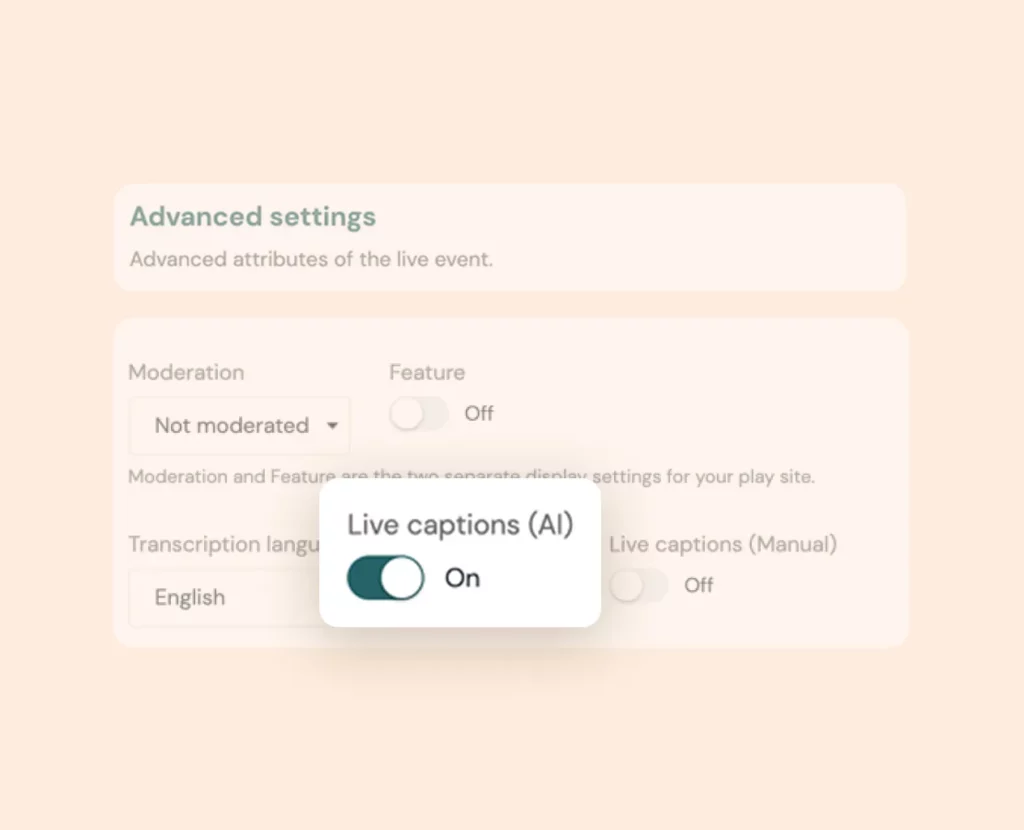
Vytas AI Live transcription
Live events move quickly, and viewers can easily miss important details. Real-time captions help more people follow along and make your content easier to access as it happens.
With Vytas AI Live, you can add seamless live transcription to your broadcasts in just a few steps. Viewers can then turn on subtitles directly in the player, creating a more accessible and engaging live experience for everyone.
Vytas AI, On-demand transcription
Creating subtitles for recorded video can be time-consuming when done manually. Automating that process makes it easier to publish accessible content faster and improve the viewing experience for more people.
With Vytas AI, you can generate subtitles for on-demand videos in just a few steps and refine them in our simple subtitle editor. With support for a growing range of languages, it is an easy way to create smarter, more accessible videos without technical complexity.
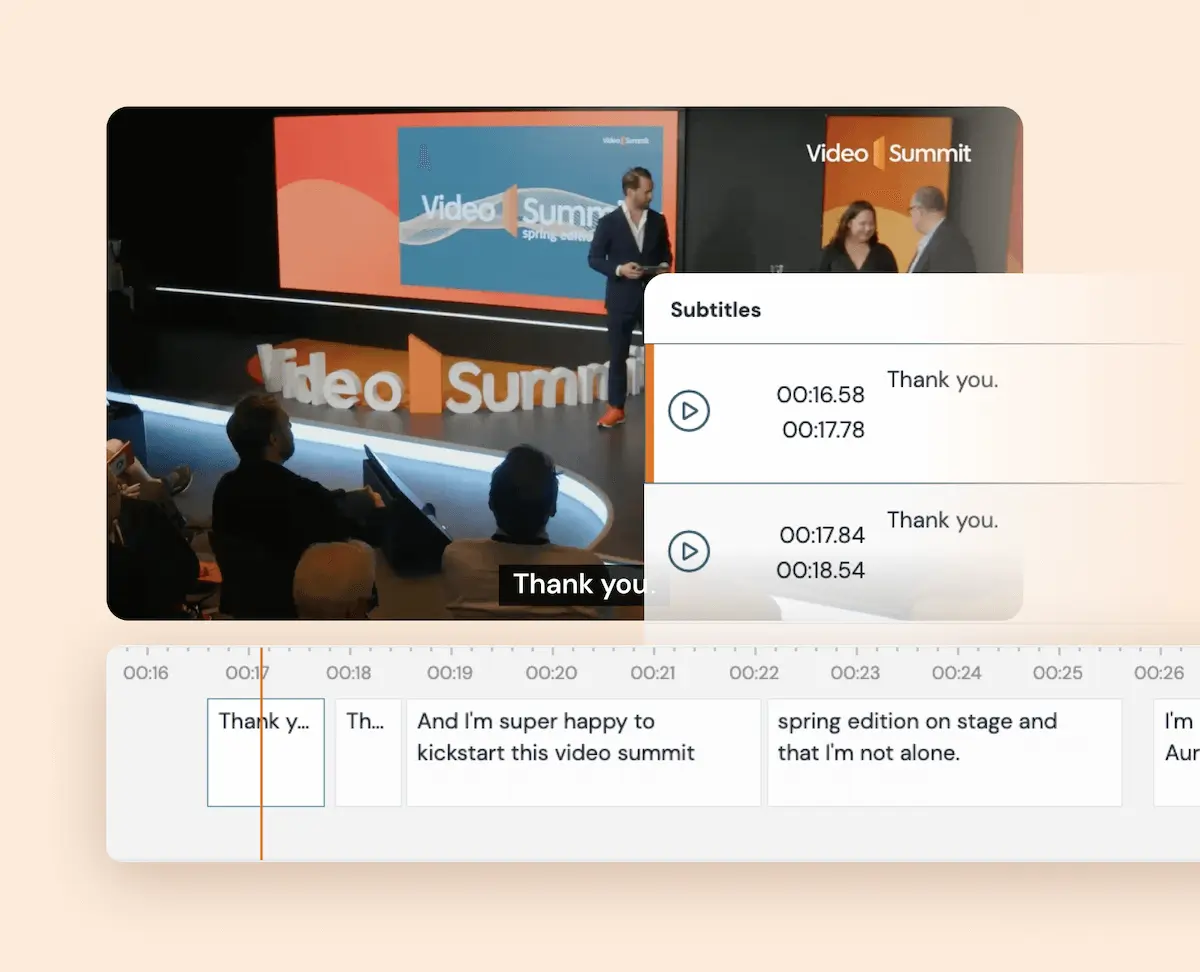
Subtitle editor
Automatically generated subtitles save time, but sometimes they still need a quick review. Editing them in the same platform makes it easier to improve accuracy without extra steps.
With Quickchannel’s built-in subtitle editor, you can review subtitle segments, adjust wording, fix timing and preview changes in real time. You can also add, delete or reorder entries and use search and replace to update repeated words faster.
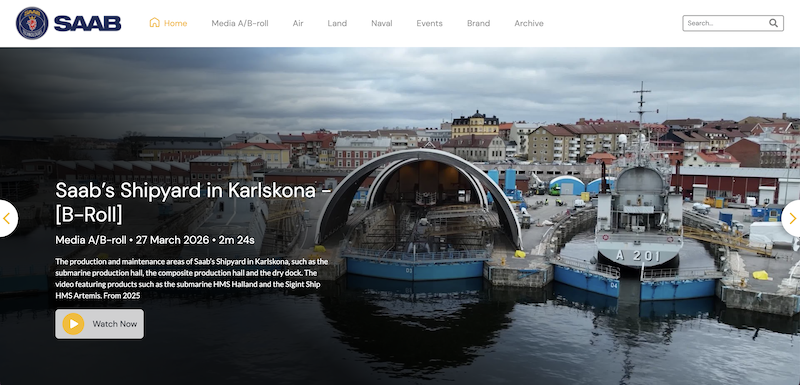
How SAAB leverages Quickchannel's video platform for secure, efficient and personalized video communication
By utilizing Quickchannel’s media library, SAAB has saved time, money, and energy that would have been spent on individual file management. Additionally, their service has reduced internal network traffic, preventing any network limitations.
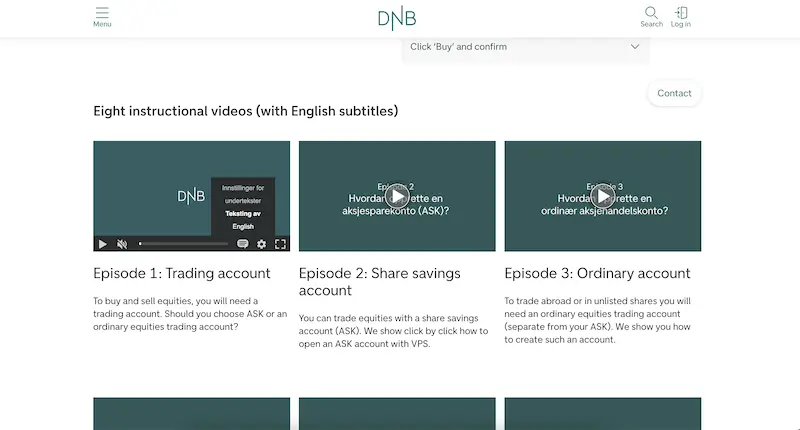
How DNB transformed their video content management strategy using Quickchannel
DNB’s experience with Quickchannel exemplifies how effective integration and dedicated support can transform digital video content management for large organizations, ensuring security, compliance, and efficiency.
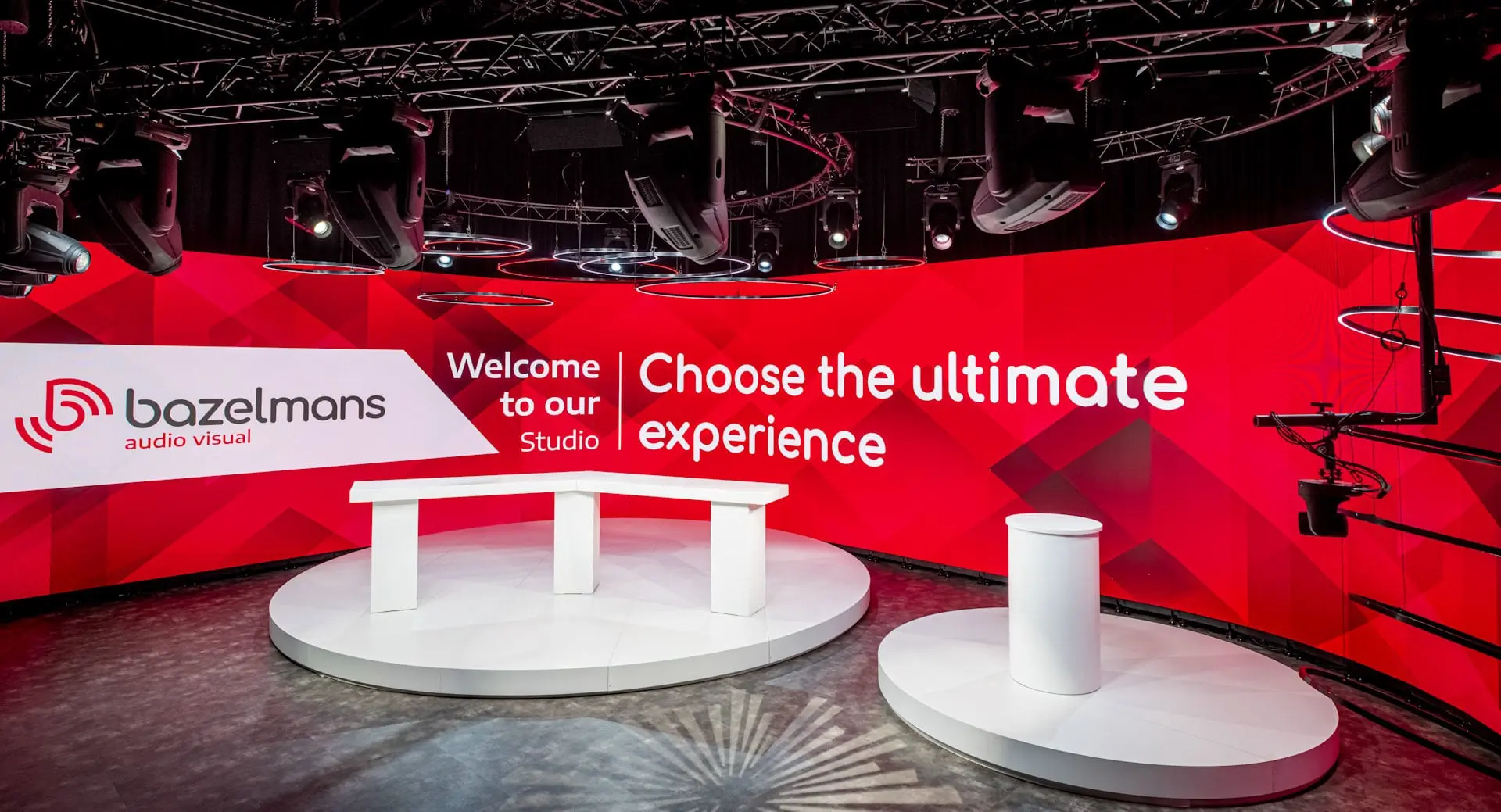
How Bazelmans gains branding capabilities for their video events with Quickchannel
Since adopting Quickchannel, Bazelmans AV has improved both internal workflows and client satisfaction. Video production is now faster and more consistent, enabling the team to confidently deliver high-quality live streams to a wide audience.
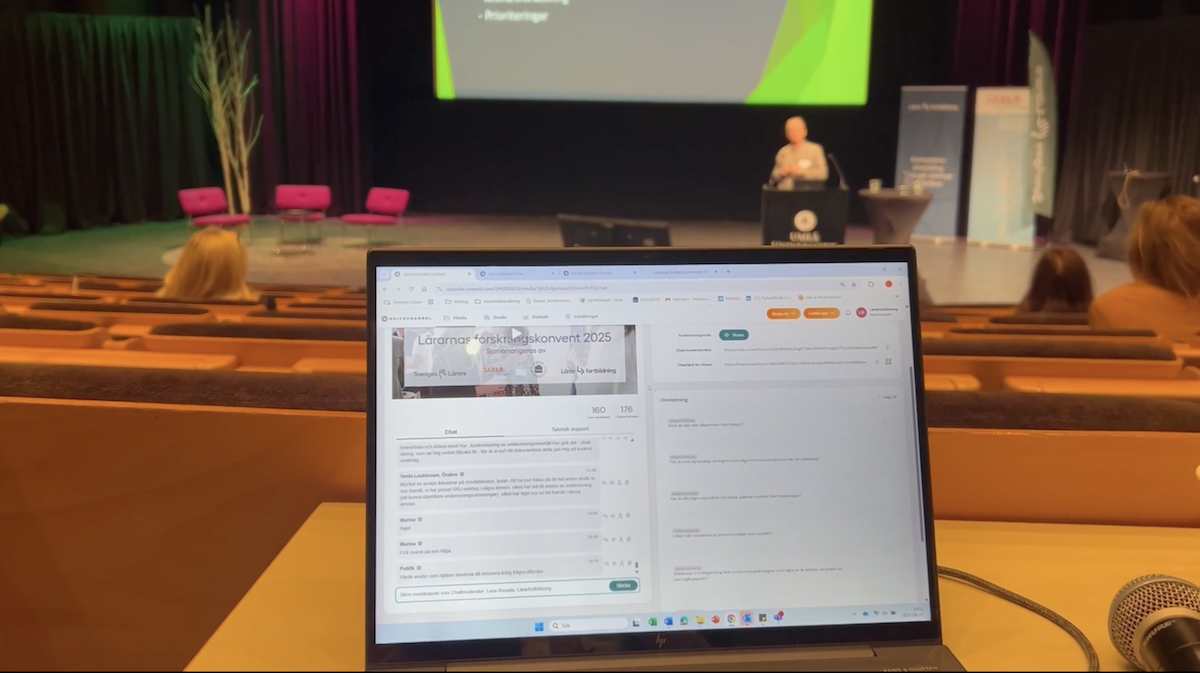
Scaling teacher training nationwide: Lärarfortbildning’s digital leap with Quickchannel
Since adopting Quickchannel, Lärarfortbildning now reaches more teachers and can scale their trainings more than ever before.
MORE FROM PLAN & CREATE
AI Transcription is just the beginning
With Quickchannel, you have everything you need to plan and create high-quality video content, all in one platform.
FREQUENTLY ASKED QUESTIONS
Get answers to your questions.
How accurate is Quickchannel’s AI transcription?
Our AI transcription delivers high accuracy, especially in clear audio conditions and when speakers articulate well. While it’s highly reliable for most scenarios, we recommend reviewing and editing on-demand subtitles for critical content to ensure perfection.
Can I use live transcription and manual subtitles at the same time?
No, live AI-generated captions and manual subtitles cannot be enabled simultaneously. You must choose one method before your event begins during the setup process.
What is the cost for Quickchannel’s AI transcription tools?
Our AI transcription tools are included in our core platform license. Check out our pricing and compare packages here.
How do I get started?
You can book a demo here on this page to learn more on how to get started.
Do you offer a trial?
Yes, we offer a free trial period so you can experience Quickchannel’s capabilities firsthand before making a commitment. To get started, simply book a demo and we will setup a trial on the package that fit your needs.